

Healing From Digital Toxicity
Break free from screen overuse...

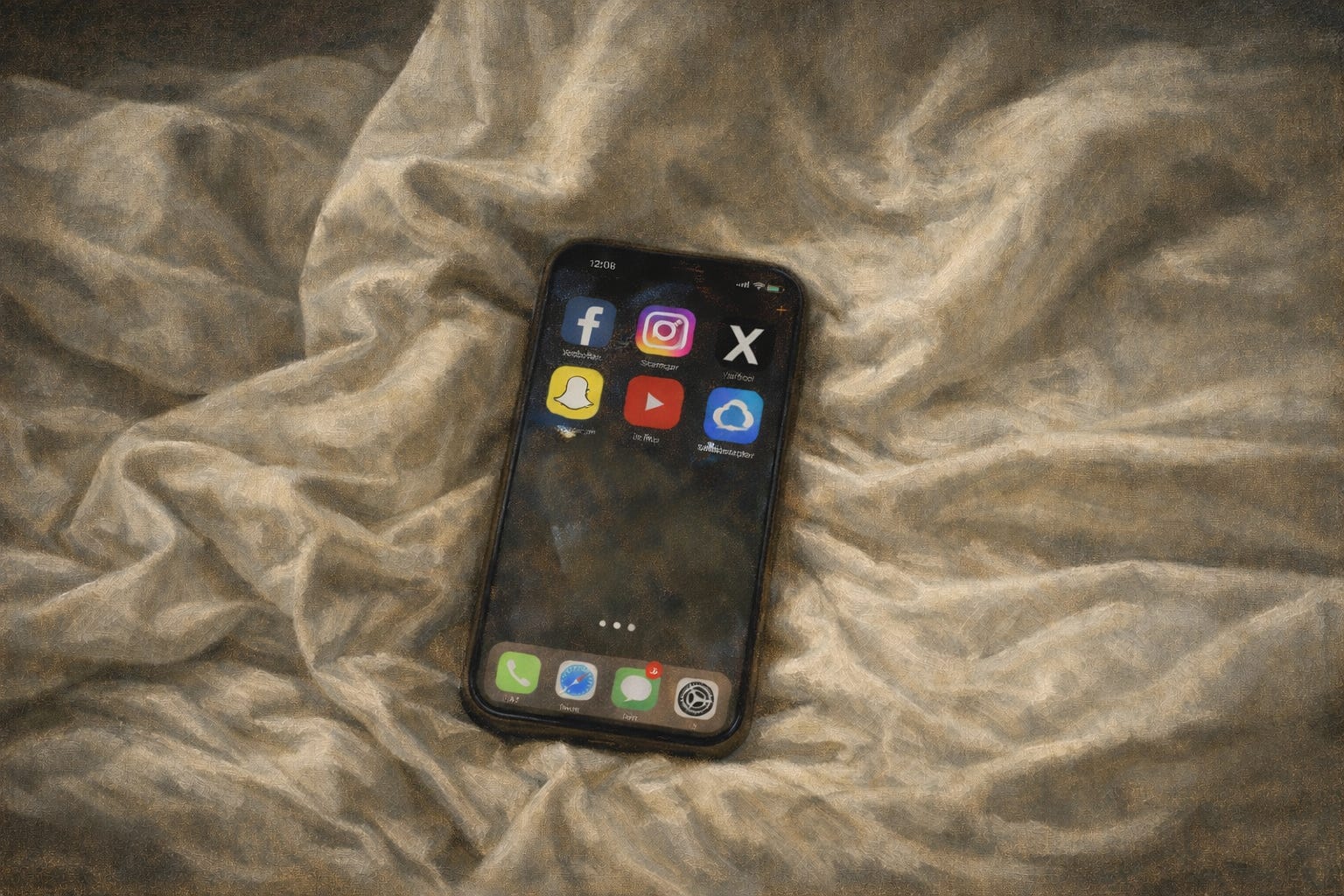
Most people who use their smartphones a lot are not doing it fully by choice.
The apps on your phone are designed to keep your attention.
They use things like endless scrolling, surprise rewards, and notifications that pull you back again and again.
This is not a personal failure or a lack of willpower.
It is a design problem. And it can affect your body and mind.
Using screens too much has been linked to several health problems, including:
Trouble sleeping and lower melatonin levels
Shorter attention span and trouble focusing
Higher anxiety and constant restlessness
Eye strain and poor posture
Mental tiredness that is hard to explain
There is also a quieter cost: broken attention.
When your phone is nearby, part of your brain is always waiting for it.
Studies show that even having a phone on your desk can reduce your working memory. This happens even if the phone is silent and face down.
Your nervous system stays slightly alert the whole time.
This does not mean screens are always bad. And it does not mean you need to give up technology.
The goal here is more practical. Reduce the parts that cost you energy but give little back.
Then bring back the basics that help your body work well: good sleep, time outside, and real rest.
Upgrade here, people who join Holistic Healing say they completely changed their energy levels, mood & brain power within 2 weeks!
1. Switch Your Icons to Grayscale
Color is one of the main tools apps use to grab your attention.
The red notification badge, bright icons, and colorful images are designed to make you tap the screen.
Turning your icons to grayscale removes much of that pull.
Your phone becomes less exciting to look at. It sounds small, but many people check their phones less when they do this.
On iPhone (iOS 18 and later):
Press and hold an empty area of your home screen
Tap the small grid icon in the bottom-left corner
Choose Tinted from the appearance options
Drag the color slider all the way down
This turns your app icons gray while the rest of your screen stays normal.
On Android
Android does not have this exact feature built in. But you can get something similar with a launcher.
Nova Launcher (free on the Play Store) lets you use grayscale icons.
After installing it:
Open Nova Settings → Look & Feel → Icon Style, then choose a grayscale or monochrome icon pack.
If you want to go further, you can make the whole screen gray.
Some people find this very helpful at first. The phone simply becomes less interesting to use.
On iPhone
Go to Settings → Accessibility → Display & Text Size → Color Filters
Turn on Color Filters
Choose Grayscale
For a quick switch:
Go to Settings → Accessibility → Accessibility Shortcut → Color Filters
Now you can turn grayscale on or off by triple-clicking the side button.
2. Walk Outside Without Your Phone
This step is simple, and there is strong research behind it.
Take a walk outside with no phone, no earbuds, and no podcasts.
This gives your brain something it rarely gets: quiet time without constant input.
Sunlight is especially important. Morning light helps control your body’s internal clock.
Screens push your body in the wrong direction. Morning sunlight helps reset it.
A few helpful facts:
Even on cloudy days, outdoor light is much brighter than indoor light
Ten to twenty minutes outside before 10 a.m. can help you fall asleep more easily
Leaving your phone at home makes the walk feel much calmer
3. Put the Phone Down One Hour Before Sleep
The hour before sleep is when your body starts to slow down.
Cortisol drops. Melatonin rises. Your body temperature begins to fall.
Screens interrupt this process.
Blue light tells your brain to stay awake. The content on screens also keeps your mind active.
One hour without screens is a good starting point.
Instead, try:
Reading a physical book
Taking a short walk
Doing light stretching
Sitting quietly for ten minutes
Using dim, warm lighting
If sleep is still hard, try extending this to 90 minutes or two hours. Many people notice better sleep within a few nights.
4. Use Night Mode All Day — and Red Screen at Night
Night mode shifts your screen away from blue light and toward warmer colors.
Most people only use it at night. But using it all day can reduce eye strain.
It is a simple change that can help.
For the hours closest to sleep, a full red screen is even better.
Red light affects melatonin the least. That makes it the safest light to see before bed.
On iPhone
Go to Settings → Accessibility → Display & Text Size → Color Filters
Turn on Color Filters
Choose Color Tint
Move the hue slider all the way to red
Increase the intensity
You can also add it to the Accessibility Shortcut for a quick toggle.
On Android
Go to Settings → Accessibility → Color and Motion → Color Correction
Adjust it toward red tones
Or download a red screen filter app like Night Owl or Red Moon from the Play Store.
5. Lock Apps with Time Limits
Both iPhone and Android allow you to set daily time limits for apps.
When you reach the limit, the app turns gray and asks if you want more time.
That small pause can help break the habit of endless scrolling.
On iPhone
Go to:
Settings → Screen Time → App Limits
Choose the apps you want to limit and set a daily amount of time.
Adding a Screen Time passcode can help prevent easy overrides.
On Android
Go to:
Settings → Digital Wellbeing & Parental Controls → Dashboard
Tap the hourglass icon next to an app to set a timer.
6. Reduce Your EMF Exposure
Electromagnetic fields (EMFs) are energy waves produced by wireless devices.
Phones, routers, laptops, and Bluetooth devices all create them.
Because of this, some people choose to reduce their exposure, especially while sleeping.
Here are some simple ways to do that:
Turn off Wi-Fi at night
Use airplane mode while sleeping
Keep your phone away from your body
Use wired headphones instead of Bluetooth
Do not sleep next to routers or devices
Use speakerphone for calls
Avoid using a laptop directly on your lap
Take regular breaks from wireless devices
Use wired internet (Ethernet) when possible
Keep devices a few feet away while charging
Supplement 2–3 mg of copper daily (here’s exactly how…)
A Note on Expectations
None of these changes requires a huge effort.
You do not need to give up technology.
These are small adjustments to your habits and environment. Over time, they can add up.
If you try a few of them and they help, adding more becomes easier.
The main idea is simple: give your body the conditions it works best in.
That means natural light, movement, real rest, and time without constant stimulation.
Stay healthy,
Luke
P.S. Have you checked out my must-read articles yet? Read them right here.
These are great tips and reminders! The one that resonated with me the most is walking outside without your phone. I fall into the trap of multitasking and listening to podcasts, etc while walking so I can learn while walking. But the thought of walking without my phone sounds so refreshing! Ina also going to share this with the women who I coach! Thanks you!
Great reminders for us all. Even if we reduce our exposure and time on cell phones 25%, it will help us feel better inside and out! Think what a 50% reduction could do!